客户看得清Clearer customer context
把公司事实、客户资料与来源整理起来,明确已知和待核信息。Organize company facts, customer information and sources; separate known facts from open questions.
从客户建档、资料管控,到沟通分析、回复策划和下一步开发行动向导。一套在自己电脑和手机上运行的外贸客户开发工作台,让每一次客户跟进有依据,回复有支撑,结果看得见。From customer records and information management to communication analysis, reply planning and guidance on your next outreach action. A trade development workbench running on your own computer and phone, with a basis for every follow-up, support for every reply and results you can see.
免费部署 · 自备助手与额度 · 首次用电脑;手机续用取决于助手支持Free setup · bring model access · start on a computer; phone continuation depends on your assistant
Northline Systems
国家、采购权限、功率需求:待确认Country, purchasing authority and power needs: unconfirmed
每次联系,都有新的理由。A reason for each contact.
有回复就更新计划;拒绝或暂停就停下。Update when a reply arrives. Stop on refusal or hold.
Re: Outdoor camera network
Hi Alex,
Thanks for the update. Before confirming suitability, could you share the expected power draw per camera and how many cameras each switch would serve?
We’ll need those details to assess the power requirements.
内容示意 · 不承诺功率、交期或报价 · 未发送Illustrative draft · no capacity, timing or price promise · not sent
先核实,再往下走。Verify before moving on.
虚构样本 · 工作过程示意;网页不调用模型、不连接邮箱。Fictional sample · an illustrative workflow, not live AI or an email connection.
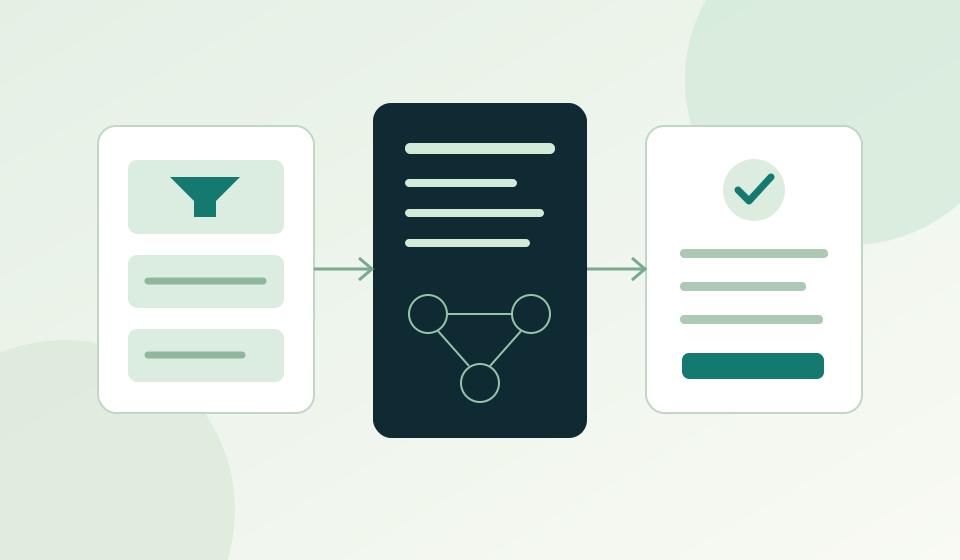
Broadlatus 外贸客户开发工作台,把业务经验变成自己的 AI 助手可以遵循、自己可以核对的工作流程。先把一次跟进做好,再逐步用进日常业务。The Broadlatus Trade Development Workbench turns practical experience into a workflow your AI assistant can follow and you can review. Start with one follow-up, then bring it into everyday work.
把公司事实、客户资料与来源整理起来,明确已知和待核信息。Organize company facts, customer information and sources; separate known facts from open questions.
结合客户问题和产品事实准备联系计划与草稿,留下人的判断点。Use customer questions and product facts to prepare plans and drafts with clear human decisions.
把状态、等待事项和下一步保存下来,下次接着推进。Save status, missing inputs and next actions so you can pick up where you stopped.
免费部署包含图文与PDF指引、技能、样本资料和六步指令。在自己的 WorkBuddy 或 Codex 中完成建档、联系策划、邮件草稿与下一步记录,全部六步免费。Free setup includes an illustrated guide, a Chinese PDF, a skill, sample inputs and six prompts. Use your own WorkBuddy or Codex setup to create an archive, contact plan, email drafts and next-step records. All six steps are free.
免注册下载 · 自备助手与模型额度 · 首次以电脑为主 · 包内说明以中文为主No account needed to download · bring your assistant and model access · start on a computer · primarily Chinese pack instructions
进入指南,按助手类型完成准备。Open the guide and follow the steps for your assistant.
一次发送一段指令,按预期核对结果。Send one prompt at a time and review each result.
确认档案、草稿与状态已保存,再考虑深入。Check that archives, drafts and status are saved before going deeper.
查看完整产品展示:输入资料、成果文件、工作流程、免费交付范围、适用条件与常见问题。See the full product: inputs, output files, workflow, free delivery scope, requirements and FAQs.
进入产品介绍Explore the product在同一产品中继续了解销售理论怎样形成 Skills、开发信工作流与自动化,以及业务适配和咨询的参与方式。Explore how sales methods become Skills, email workflows and automation in the same product, along with adaptation and consulting.
了解产品进阶Explore advanced practice了解“博纳图是”的名字来源与核心方法,再阅读销售框架和真实业务实践,理解产品背后的依据。Explore the principles behind Broadlatus, then read sales frameworks and firsthand practice to understand the methods behind the product.
阅读理论×实践Read Theory × Practice产品与流程示意 · 实际操作在自己的 AI 助手中完成。Product and workflow illustrations. Actual work runs in your own AI assistant.
了解工作台适配、进阶咨询或合作。查看官方联系方式,也可先整理一份咨询说明。Ask about adaptation, advanced consulting or cooperation. Find our official contact channels or prepare an inquiry first.
直接写文字、粘贴截图或添加文件,告诉我们版本、所用工具和卡住的步骤。Write a message, paste screenshots or add files. Tell us your version, tool and the step where you got stuck.